Working with a Script & Other Tips

Some projects come with more paperwork than others. A wedding might have a schedule of events, and a short film might have a full script. In this lesson you will learn how to use a script, open next to Final Cut Pro, to rename and merge keyword collections so your clips are organized by scene.
Steps
- Open the script as a PDF and resize its window to the right side of the screen, next to Final Cut Pro.
- Look at the keywords applied to your clips. Mine are scene numbers like 000 and 001, which do not match the script, so they are not much help to me as an editor.
- Read the first page of the script. The scene number and the scene heading are usually in bold, for example interior office day.
- Click a keyword collection and look at the clips. The first one holds close-ups of office work, so I know it is Scene 1.
- Rename the keyword by clicking it twice and typing Scene 1. You could add the heading from the script too, such as interior office day.
- Rename the next keyword, which also contains office clips, to Scene 1 as well. Final Cut does not create a duplicate. It merges everything into one Scene 1 keyword. Click off and back on to refresh it.
- Scroll through the script and compare each scene with a collection. A scene with no matching keyword, like an exterior cityscape at dusk, can be skipped for now.
- Play clips with the spacebar to check that the dialogue matches the scene. A line like it distances you from people confirmed Scene 4 for me.
- Combine scenes that the script breaks up but that are really one location, such as Scene 5 and Scene 6 in the elevator, by renaming the keyword Scene 5 and 6.
- Move stray clips by selecting them with Command-click, pressing Command-K for the keyword editor, and typing a different keyword. I removed Scene 7 from a clip that did not fit and put it in a keyword for a later scene.
Tips
- You are the editor, so decide how you want things organized. The script is a guide.
- It may seem tedious, but renaming keywords makes the content more sensible to you.
- Use the thumbnail view to scan a collection fast and spot clips that do not belong.
- If you do not have a script, a schedule of events can serve the same purpose.
Related tutorials
-
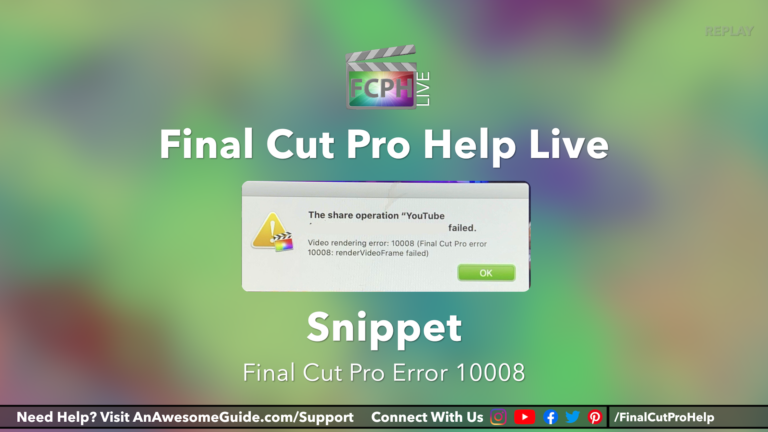
How to Diagnose and Resolve Problems with Sharing in Final Cut Pro Using the Blade, Split Half Search and Other Techniques
If you’ve ever experienced a video rendering error 10008 or similar message while using Final Cut Pro, you know how frustrating it can be. Fortunately…
-

How to Use the Control-Delete Shortcut in Final Cut Pro: A Guide for Editors
If you’re an editor using Final Cut Pro , you know how important it is to stay organized while working with a large amount of footage. Sometimes, certain…
-
Editing A Rough Cut: Final Cut Pro Techniques for Clips, Transitions, Text, and Music
In this video tutorial, we delve into the process of building a rough cut using Final Cut Pro. We start by organizing our imported media and creating a…